Watches FAQ
Watch Operation FAQ
Note: Most issues are caused by unfamiliar operation, not product defects. Please check tutorials or contact us before requesting return or dispute.
General Questions (For All Watches)
Q: Where can I get user manuals and tutorial videos?
Please visit our Video Library to view all operation guides. We also provide PDF version of the manual, Watches PDF manual
Q: Is this watch waterproof?
All models support daily waterproof for hand washing and rain splashing. Do NOT wear it for swimming, bathing, sauna or diving. High temperature and water pressure will damage the waterproof structure.
Q: There is fog or water vapor inside the watch, is it broken?
Slight water vapor is caused by temperature difference, which is a normal phenomenon. Place the watch in a dry and ventilated area, and the vapor will disappear gradually. Contact us if there is a large amount of water inside.
Q: Can I adjust the watch band by myself?
Yes. We provide dedicated strap adjustment tutorials. You can adjust the length easily by following our video guides.
Quartz Watch (Pointer Watch)
Q: How do I set time and date?
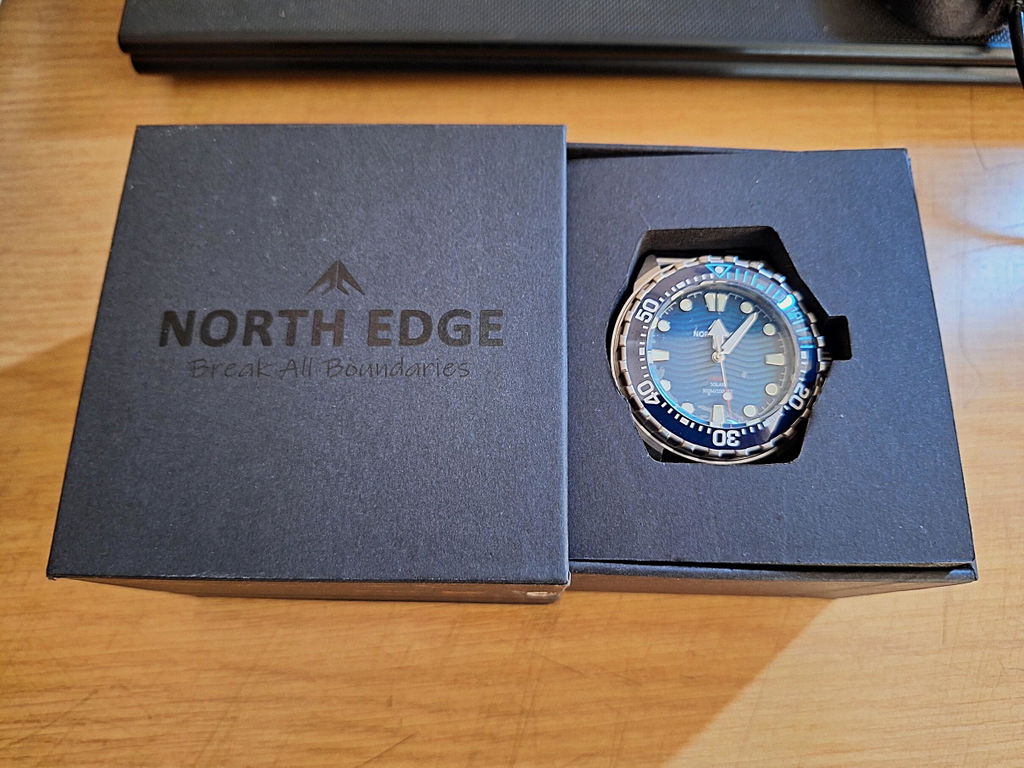
Quartz watch: Pull out the crown and rotate it to adjust the time. Please refer to the manual and video material library for details.
Q: What are the extra side buttons for?
These buttons control stopwatch, chronograph and backlight. Functions vary by model. Please refer to our tutorials for exact operations.
Q: The stopwatch cannot stop or reset?
This is a common operating issue, not a product fault. Please pause the stopwatch first, then press the reset button. Full guidance is available in our video library.
Q: Why does my quartz watch stop running?
In most cases, the battery is exhausted. You can replace the battery by yourself or contact us for related guidance. Solar watches can be charged by sunbathing, allowing them to run clockwise again.
Q: The watch runs fast or slow, is this normal?
The slight time deviation of quartz watches is normal and can be resolved through pointer calibration. If the time error is significant, please send us a video so that we can confirm and provide a solution.
Digital Watch (Electronic Watch)
Q: How to set time, date and week on a digital watch?
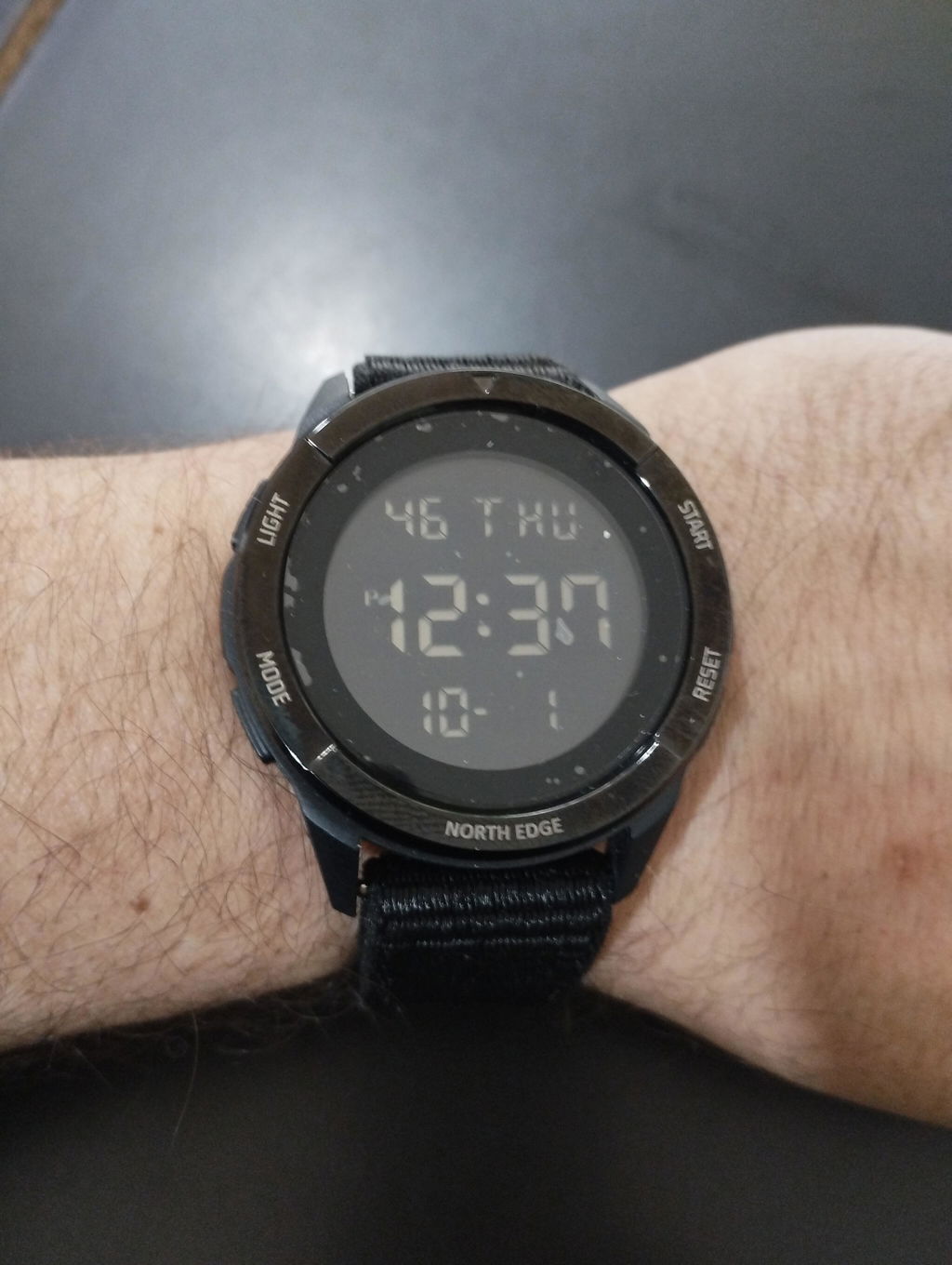
Press the mode button to enter setting mode, then use adjust buttons to change numbers. Press mode again to switch between time, date, week and alarm settings. Please follow our step-by-step videos.
Q: How to turn on / turn off the alarm?
Enter the alarm interface via the mode button. Use the adjust button to activate or deactivate the alarm function.
Q: How to use the stopwatch on a digital watch?
Switch to stopwatch mode: press the start button to run, press again to pause, and use the reset button to clear records.
Q: How to switch between 12-hour and 24-hour time format?
Enter the time setting page, and toggle the format via the function buttons. Detailed operations are shown in our tutorial videos.
Q: The screen is dim or no display?
It is usually caused by low battery power. Please replace the battery in time. If the problem remains after replacement, Or it may be caused by the low brightness setting of the display screen,feel free to contact our customer service.
Q: Buttons are unresponsive?
Check if the watch has touched water or dust. Wipe it dry and clean first. If buttons still do not work, please contact us for after-sales support.
After-sales Support
If you have any other problems during use, please contact us first before opening return or dispute requests.
📧 Email: info@northedgewatches.com
We reply to all inquiries within 12 hours.